
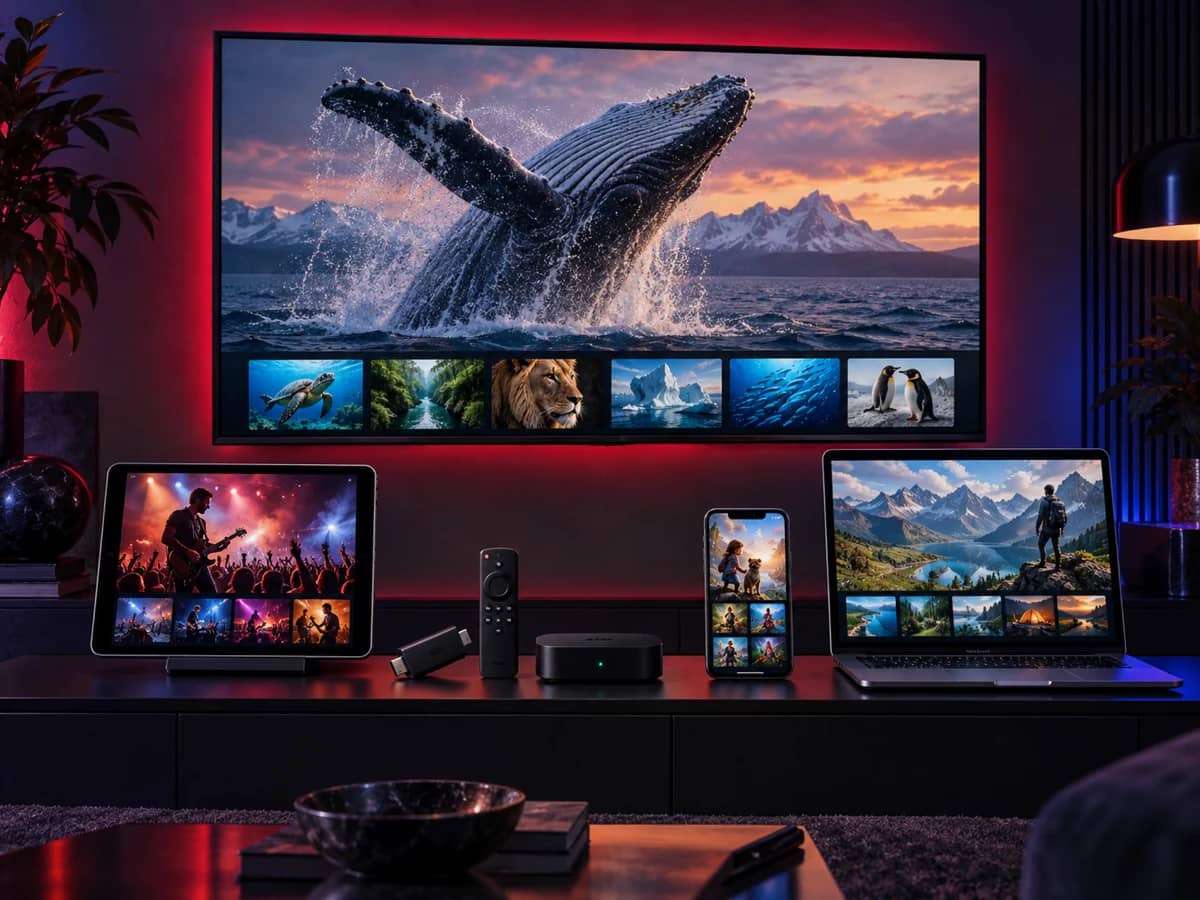
Which device should you use for IPTV?
You don’t need to buy anything new if you already own one of the devices above. If you’re choosing something for a particular TV, start from your setup:
| Your setup | Best option | Why |
|---|---|---|
| A 4K TV in the living room | Fire TV Stick 4K Max or an Android TV box on a cable | Quick menus, 4K HDR and the widest choice of player apps |
| A Samsung Smart TV from 2018 onwards | The TV’s own Samsung app store | Nothing extra to buy; install a player and sign in |
| An LG Smart TV with webOS | The LG Content Store | Same idea: a player app directly on the TV |
| An older or non-smart TV with HDMI | A Fire TV Stick (Fire OS model) or any Android TV box | Turns any HDMI TV into a smart TV for IPTV |
| An iPhone-and-Apple TV household | Apple TV 4K | Polished tvOS player apps and AirPlay from your phone |
| Watching away from home | iPhone, iPad or an Android phone or tablet | Stream over Wi-Fi or mobile data |
| A second screen at home | A laptop, tablet or a second stick | Add an extra connection to watch two things at once |
| You already have a MAG box | Your MAG box with a portal login | Works with a portal address linked to its MAC address |
Streaming sticks vs boxes vs Smart TV apps
All three work with the same subscription. The differences are speed, flexibility and cost:
| Streaming stick | Android TV box | Smart TV app | |
|---|---|---|---|
| Typical cost | Low | Low to high | Nothing extra |
| Choice of player apps | Wide on Fire OS, limited on Vega OS | Widest | Limited to the TV’s store |
| Wired internet | With an adapter | Usually built in | Usually built in |
| Speed with a big channel list | Good (best on the 4K Max) | Very good on a quality box | Varies; older TVs are slow |
| Moves between TVs | Easily | With a bit more cabling | No |
| Best for | Most living rooms, second TVs, travel | The main TV and live sport | People who want no extra box |
Login formats: Xtream Codes, M3U and portal
Different devices and players sign in in different ways. We send your login in the format your device needs, so you don’t have to choose, but it helps to recognise them:
| Format | What you receive | Used by | Best on |
|---|---|---|---|
| Xtream Codes | A server address, a username and a password | IPTV Smarters Pro, TiviMate and most player apps | Fire TV, Android TV, phones, Apple TV |
| M3U playlist | A single playlist link, plus a TV guide link | Almost every player, including desktop players | Smart TVs, Windows, Mac |
| MAC portal | A portal address linked to your device’s MAC address | MAG boxes and some Smart TV players | Set-top boxes |
Read Xtream Codes login explained and M3U playlists explained if you’re setting up a player yourself.
Internet speed for each device
The device matters less than the connection feeding it. We recommend around 10 Mbps per stream for Full HD and 25 Mbps for 4K, measured on the device itself rather than on a phone next to the router. If two screens play at once, add the figures together.
A few habits make every device more stable: use your router’s 5 GHz Wi-Fi, keep the device in the open rather than behind the TV, and use an Ethernet cable for the main TV if you can. The full guide is internet speed for IPTV.
One subscription, several devices
You can install your player on every device in your home and sign in on each with the same login. What limits you is connections, not devices: one connection means one stream playing at a time. You can move freely from the living-room TV to your phone, but you can’t watch on both at the same moment unless you add a connection. See screens and connections.
Devices to avoid
- Old Android boxes. Boxes stuck on Android 7 to 9 no longer get security updates, and current player apps are dropping support for them.
- “Fully loaded” sticks and boxes. Devices sold with channels already set up are almost always unlicensed and can carry malware. In the UK, buying and using them can also put you on the wrong side of the law. Buy a clean device from a mainstream retailer.
- Unbranded boxes with inflated specifications. “8K” and huge memory claims on budget chips rarely deliver. Look for Google TV or Android TV certification instead.
- Vega OS Fire TV Sticks, if you want a free choice of players. The Fire TV Stick 4K Select and the 2026 Fire TV Stick HD only install apps from the Amazon Appstore. See the Firestick guide for which models are affected.