
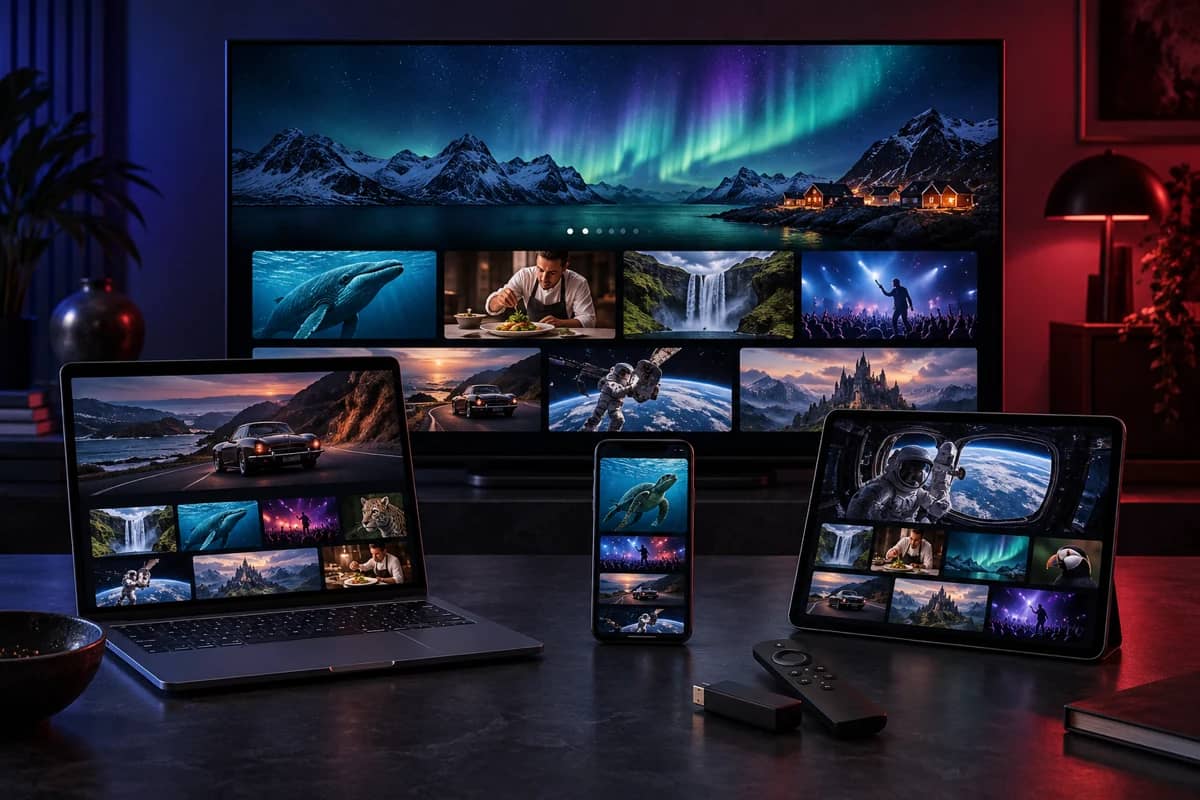
IPTV is simply television delivered over the internet. Instead of receiving channels through a rooftop aerial, a satellite dish or a cable line, your TV receives them as data over your broadband connection, and a player app turns that data back into pictures and sound.
If you’ve used BBC iPlayer, Netflix or YouTube on your TV, you’ve already used the same underlying technology. What people usually mean by “IPTV” is a subscription that delivers live TV channels with a programme guide this way, often with a library of films and series alongside. See IPTV vs Netflix and other streaming apps for how the two differ.
What does IPTV stand for?
IPTV stands for Internet Protocol Television. The “internet protocol” is the set of rules every device on the internet uses to send and receive data. IPTV uses those same rules to deliver TV, which is why it works on so many different devices: anything that can connect to the internet and run a player app can, in principle, show IPTV.
How IPTV works
Behind the scenes, an IPTV service works in four stages:
- Channels are received and encoded. The provider takes each channel’s feed and encodes it into a compressed digital format, usually H.264 or the more efficient HEVC (H.265). Our how IPTV works guide follows a channel through each stage in more detail.
- Streams are delivered from servers. The encoded channels are split into small chunks and served from servers. Good providers spread the load across several servers so busy evenings don’t slow things down.
- Your player requests the stream. When you choose a channel, your player app asks the server for it, using the login from your subscription.
- The player decodes and plays it. Your device decodes the chunks and plays them in order, keeping a few seconds in reserve (the buffer) so short dips in your connection don’t interrupt the picture.
Most players also download a programme guide (EPG), so you can see what’s on now and next, and many support catch-up, which lets you watch programmes that have already aired.
Types of IPTV service
The word covers a few different things, which is part of why it confuses people:
- Live IPTV: channels streamed as they’re broadcast, with a guide. This is what most IPTV subscriptions offer.
- Video on demand (VOD): films and series you can start whenever you like. Most IPTV services include a VOD library alongside live TV.
- Catch-up (time-shifted) TV: programmes you can watch after they’ve aired, usually from the guide.
Broadband providers’ own TV services, and apps like BBC iPlayer, also use IPTV technology. The difference is who provides the content and how you pay for it. Freely, the UK broadcasters’ own platform, streams their channels free over broadband; see free internet TV in the UK.
What you need to watch IPTV
You need three things:
- A broadband connection. Around 10 Mbps per screen for Full HD and 25 Mbps for 4K. Most UK broadband packages are comfortably faster, but Wi-Fi inside the home can be the weak link. Our internet speed guide explains how to test it, and does IPTV need the internet? covers cable, Wi-Fi and mobile data.
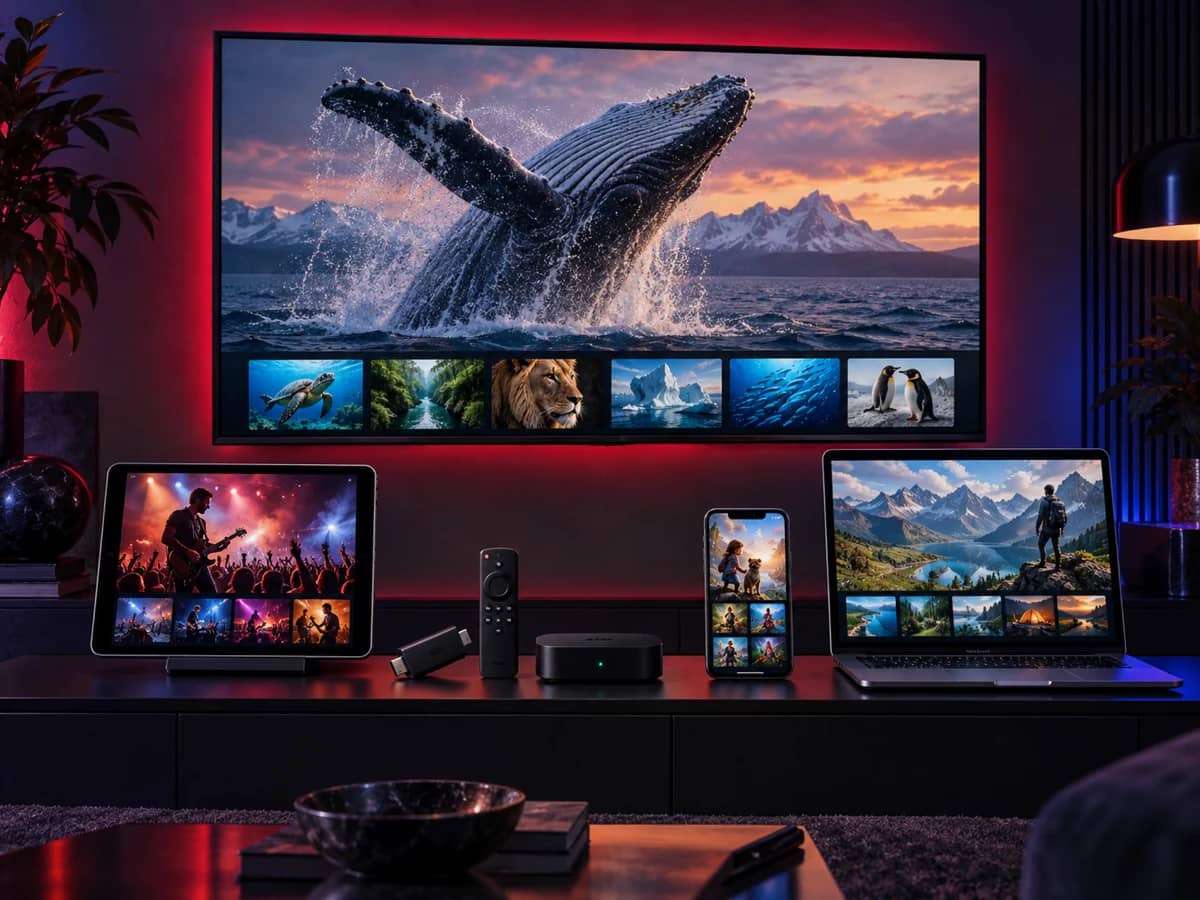
- A device that can run a player app. A Fire TV Stick, an Android TV box, a Samsung or LG Smart TV, an Apple TV, a phone, a tablet or a computer. See all supported devices.
- A subscription and a player app. The subscription provides the channels; the player app, such as TiviMate or IPTV Smarters Pro, plays them. Players contain no channels themselves; see can you use any IPTV app with any subscription?
There’s no dish, no aerial, no set-top box rental and no engineer visit. Setup usually takes about ten minutes.
How your login works
When you subscribe, you receive a login in one of three formats, depending on your device:
| Format | What it looks like | Used by |
|---|---|---|
| Xtream Codes | A server address, username and password | Most player apps |
| M3U playlist | One long web link | Almost every player, including desktop players |
| MAC portal | A portal address linked to your device’s MAC address | MAG boxes and some Smart TV players |
You don’t need to understand the difference to get started, because we send the right one for your device. If you’re curious, read Xtream Codes login explained and M3U playlists explained.
IPTV compared with Freeview, satellite and cable
| Freeview (aerial) | Satellite | Cable | IPTV | |
|---|---|---|---|---|
| How it arrives | Aerial | Dish and set-top box | Cable line and box | Your broadband |
| Installation | Aerial fitting | Dish installation | Engineer visit | None; install an app |
| Works on phones and laptops | No | Only via the provider’s app | Only via the provider’s app | Yes, with the same subscription |
| Contracts | None | Usually 12 to 24 months | Usually 12 to 24 months | Depends on the provider; ours has none |
| Affected by weather | Sometimes | Heavy rain and snow | Rarely | No, but depends on your broadband |
| Picture quality | Up to HD | Up to 4K | Up to 4K | Whatever the source provides, up to 4K and 8K |
The biggest difference is flexibility: IPTV isn’t tied to one room or one box. The trade-off is that it depends on your broadband, so a stable connection matters. We cover costs and reliability in more depth in IPTV vs satellite and cable.
Advantages of IPTV
- Watch on any screen: the living-room TV, a bedroom stick, your phone or laptop.
- No installation: nothing on the roof or the wall.
- Everything in one place: live TV, a guide, catch-up and on-demand films in a single app.
- Flexible payment: with providers like us, you pay for the length you choose, without a long contract.
- Easy to move: take a stick on holiday or to a new home and sign in again.
Disadvantages to know about
- It depends on your broadband. Weak Wi-Fi or a very slow line causes buffering. A cable or 5 GHz Wi-Fi fixes most problems.
- Quality varies between providers. Stability at peak times, the guide and support differ enormously, which is why a free trial matters.
- Not every service is licensed. Some sellers offer channels they have no right to distribute. That affects you as a viewer as well as them; see below.
- Some devices limit your choice of apps. Newer Fire TV Sticks running Vega OS, and Samsung and LG TVs, only install apps from their own stores.
Is IPTV legal in the UK?
The technology is completely legal, and licensed broadcasters and broadband companies use it every day. The legal question is about the content. A service that distributes channels without permission from the rights holders is breaking the law, and in the UK viewers of unlicensed services can also face action. We explain the law, recent enforcement and how to check a provider in is IPTV legal in the UK.
IPTV terms explained
You’ll meet these words in setup guides and player menus. None of them is complicated:
| Term | What it means |
|---|---|
| EPG | Electronic programme guide: the TV guide showing what’s on now and next, usually for seven days. |
| VOD | Video on demand: films and series you start whenever you like, as opposed to live channels. |
| Catch-up | Watching a programme after it has aired, straight from the guide, on channels that support it. |
| Player app | The app that plays your subscription, such as TiviMate or IPTV Smarters Pro. It contains no channels itself. |
| Xtream Codes | A login made of a server address, username and password. See Xtream Codes login explained. |
| M3U | A playlist link listing your channels. See M3U playlists explained. |
| Connection | One stream playing at a time. You can install on many devices but play on as many screens as you have connections. |
| Buffer | A few seconds of video your player stores in advance, so short dips in your connection don’t interrupt the picture. |
| Bitrate | How much data per second a stream uses. Higher bitrates mean better picture quality and need faster broadband. |
| HEVC (H.265) | A modern video format that delivers the same quality as older formats using about half the data. Most 4K streams use it. |
| MAC address | A unique code that identifies a device on a network. MAG boxes and some Smart TV players use it instead of a username. |
| Adaptive bitrate | The player’s ability to switch to a lower quality for a moment when your connection slows, instead of freezing. |
For more on how streams, codecs and picture quality work, see our streaming technology guides, and look up any other term in the IPTV glossary.
Common myths about IPTV
“You need a smart TV.” Any TV with an HDMI port works. A streaming stick or box adds everything a smart TV has, often faster.
“You need full-fibre broadband.” A steady 10 Mbps per screen is enough for Full HD. Most UK broadband, including part-fibre and cable, is comfortably faster. Wi-Fi inside the home matters more than the package you pay for.
“IPTV is always illegal.” The technology is legal and used by broadcasters and broadband companies every day. What matters is whether the service has the rights to its channels; see is IPTV legal in the UK.
“The picture is worse than satellite.” On a good connection, IPTV and satellite deliver the same HD and 4K quality, because the quality is set by how each channel is produced.
“The player app is the subscription.” A player is just a player. Without a subscription added to it, it has nothing to show.
“Once it’s set up, it only works in one room.” Your login works on every supported device in your home, and away from home on your phone or tablet.
Who IPTV suits best
IPTV is a particularly good fit if you:
- rent your home, or can’t fit a satellite dish;
- want TV in several rooms without renting extra boxes;
- watch on phones, tablets or laptops as well as the TV;
- prefer paying for a fixed period rather than signing a long contract;
- already have reliable broadband.
It’s a weaker fit if your broadband is slow or drops out often. In that case, fix the connection first, or keep an aerial or satellite service for live TV. You can compare all the channels and features on our channels page.
How to choose an IPTV provider
A few checks separate reliable services from the rest:
- A free trial long enough to test on your own device during a busy evening.
- Clear prices in pounds, stated up front, ideally without automatic renewal.
- Written terms and a refund policy, and a real way to contact the business.
- Support for your devices, including setup help.
- Straight answers about licensing and what’s included.
That’s how we run our service: start a free trial, read our terms, ask us anything, then choose a plan if it suits you.
Getting started
If you’d like to try IPTV, the simplest route is:
- Check you have a supported device (see supported devices).
- Request a free trial and tell us your device.
- Follow the setup guide we send. It takes about ten minutes.
- Watch through a normal evening, then decide.
See how IPTV works on your TV
Request a free trial and follow the setup guide for your device. No card needed.