
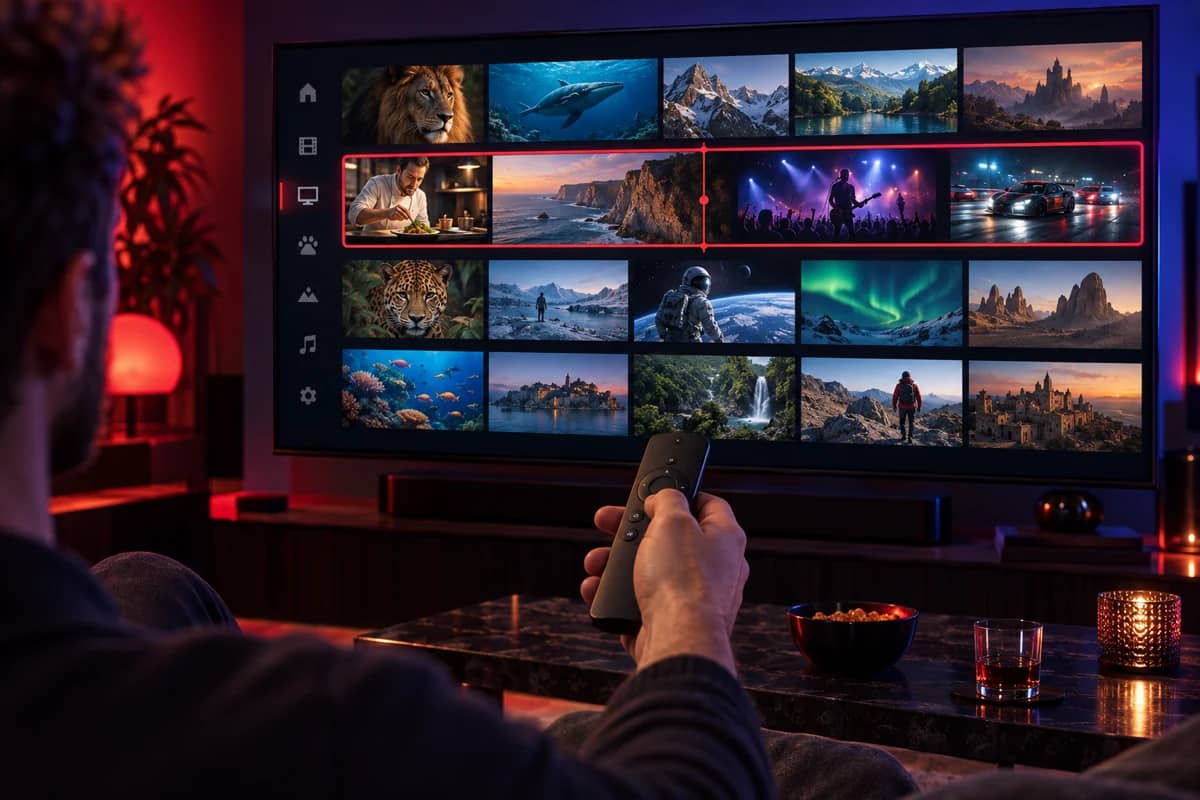
How the channel list is organised
A large channel list is only useful if you can find things quickly. In every supported player, channels are arranged the same way:
- By category: entertainment, news, documentaries, kids, sport, music and international, so you can jump straight to the kind of programme you want.
- By country: UK channels are grouped together, and international channels are grouped by country, so each household can go straight to the channels in its own language.
- By favourites: you choose. Most people build a favourites group of the 20 or 30 channels they actually watch and rarely scroll the full list again.
- By search: type part of a channel or programme name to find it in seconds.
Channel line-ups change from time to time as channels launch, rebrand or close, which is why the list inside your player is always the current one. The quickest way to check a channel is available before you pay is to start a free trial and search for it on your own device.
The TV guide (EPG)
Every live channel that provides schedule data appears in the electronic programme guide, usually covering the next seven days. The guide works the way a set-top box guide does: scroll across to see what’s on later, down to change channel, and select a programme for more detail.
Players display the guide in different ways. TiviMate shows a traditional grid, while IPTV Smarters Pro shows now-and-next information alongside the channel list. If the guide is empty or the times look wrong, our TV guide troubleshooting fixes it in a few minutes.
Catch-up TV
On channels that support catch-up, you can go back to programmes that have already aired, straight from the TV guide. Channels with catch-up are marked in the player, often with a clock or rewind symbol. How far back you can go depends on the channel.
Catch-up is usually easier than recording, especially on streaming sticks with limited storage, because nothing needs to be saved on your device.
Films and series on demand
Alongside live TV, the on-demand library holds films and series you can start whenever you like. It is organised by genre and year, remembers where you stopped, and in most players lets you mark titles to watch later. Recent films are often available in 4K.
Picture quality by channel
Each channel is streamed at the quality its source provides. Most live TV channels are Full HD (1080p) or HD (720p), and some offer a 4K version. In many players the quality is shown in the channel name or next to it. Our 8K and 4K IPTV guide explains what your TV and connection need to get the best from each.
International channels
Many UK households watch channels from more than one country. International channels are grouped by country in the channel list, each with its own guide where the channel provides one. If a particular country or language matters to you, test it during the free trial, or ask us on WhatsApp before you choose a plan.
Parental controls
Most players let you hide or lock categories with a PIN, so children only see the channels you’ve chosen. Look for Parental control or Lock categories in your player’s settings. Kids’ channels are grouped together, which makes it simple to build a child-friendly favourites list.
How to check a channel before you buy
- Start the free trial and search for the channel on the device you’ll use.
- Watch it at a busy time, such as a weekday evening, to see how it plays when networks are loaded.
- Open the TV guide to check the schedule appears for that channel.
- Ask us on WhatsApp if you can’t find something. We’ll tell you plainly whether it’s available.